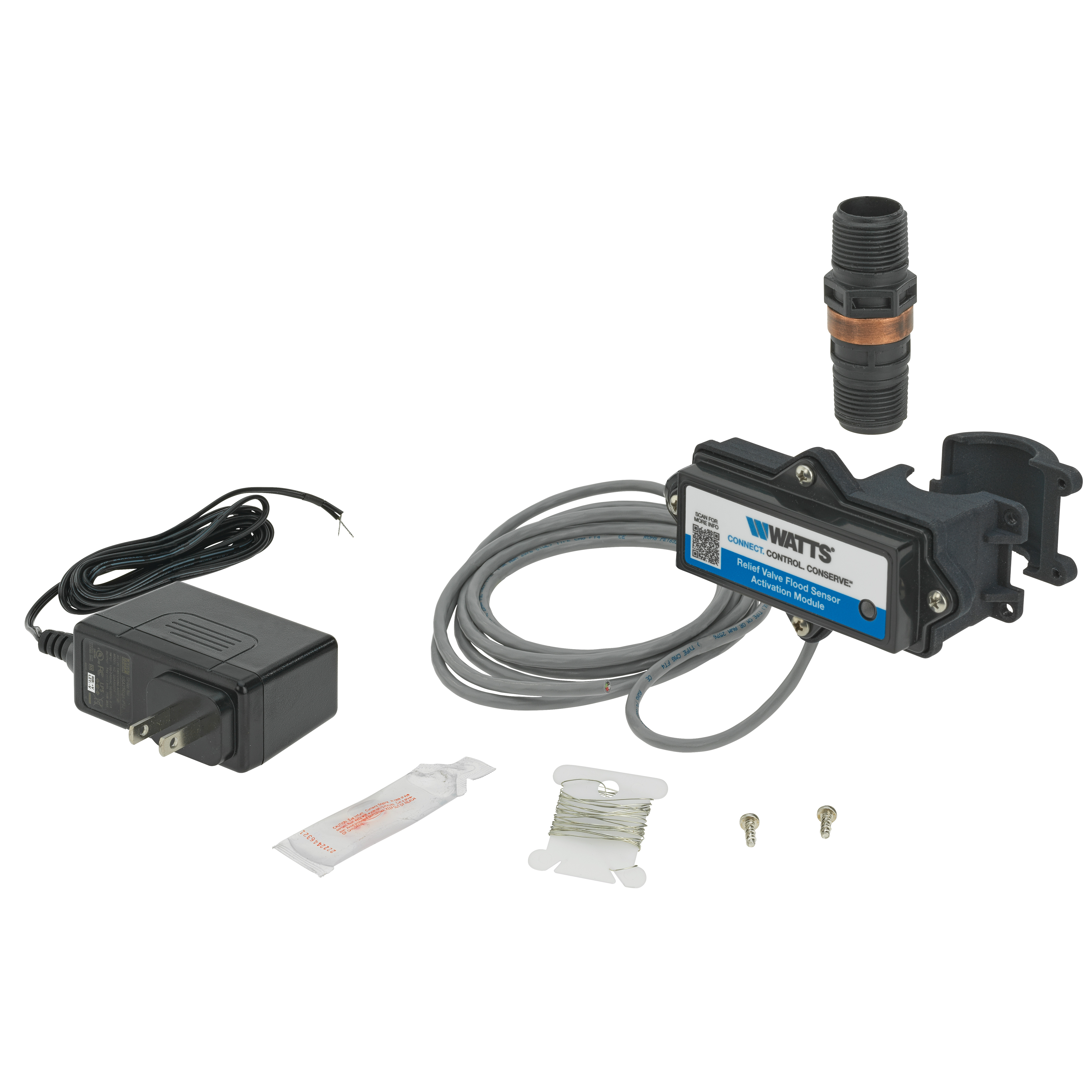
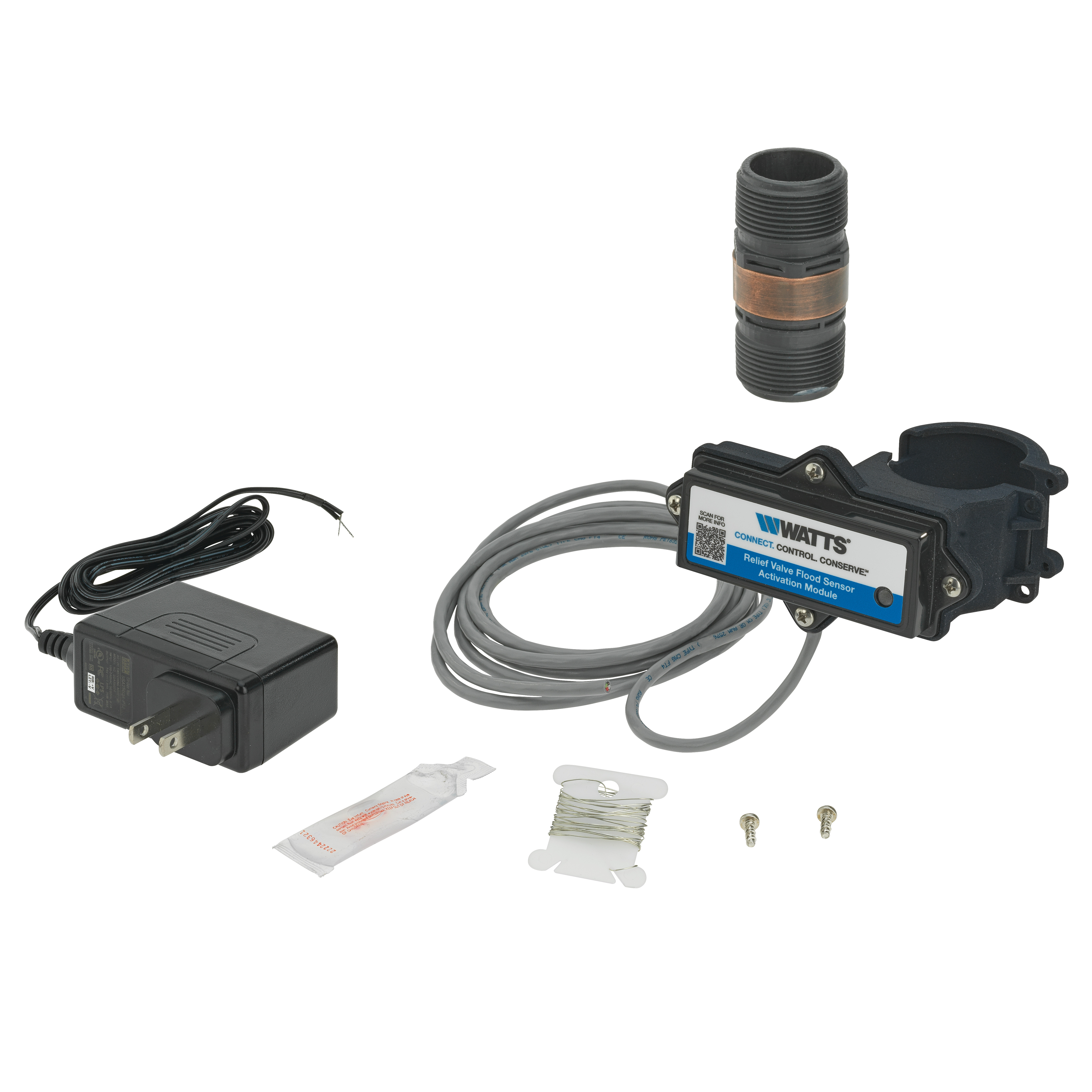

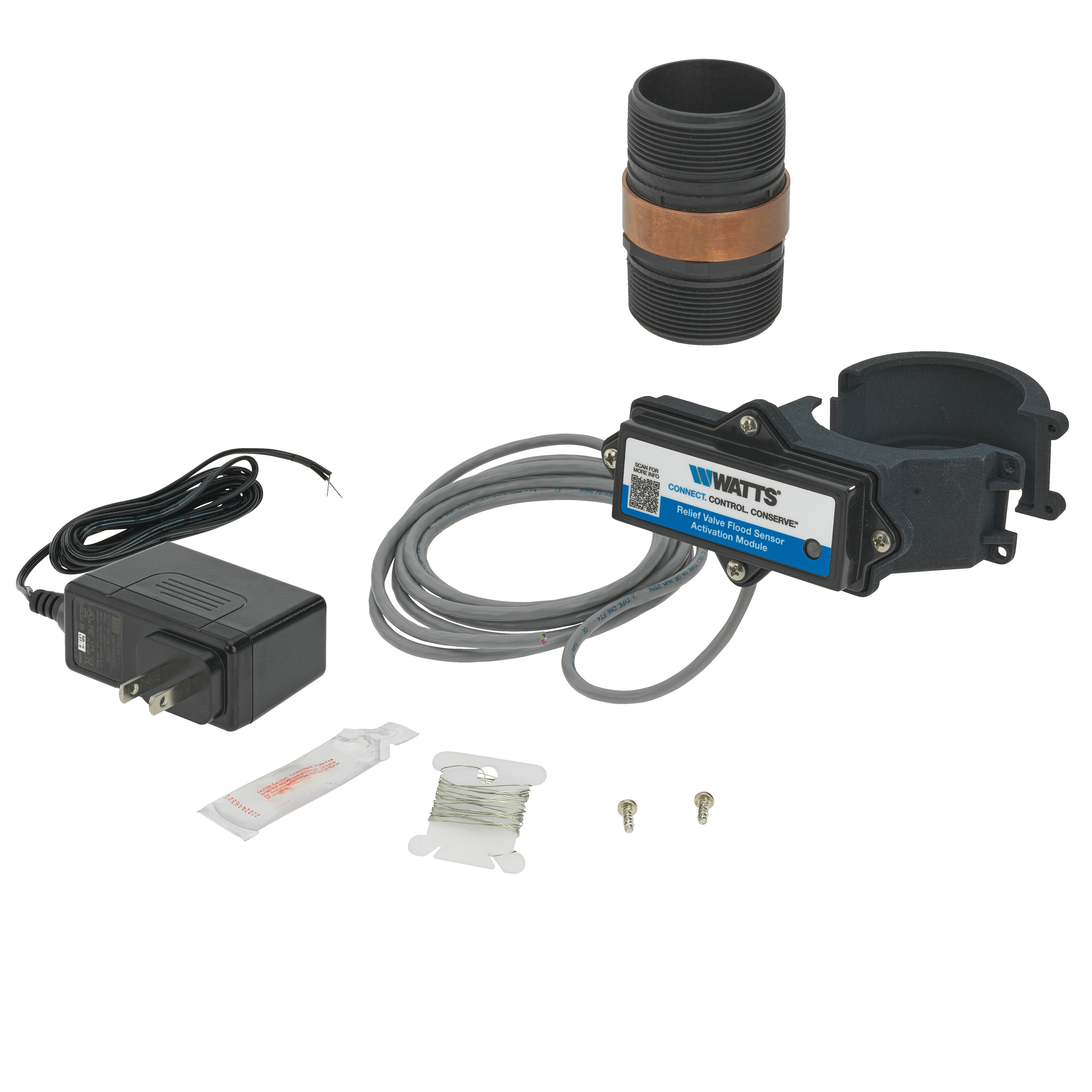
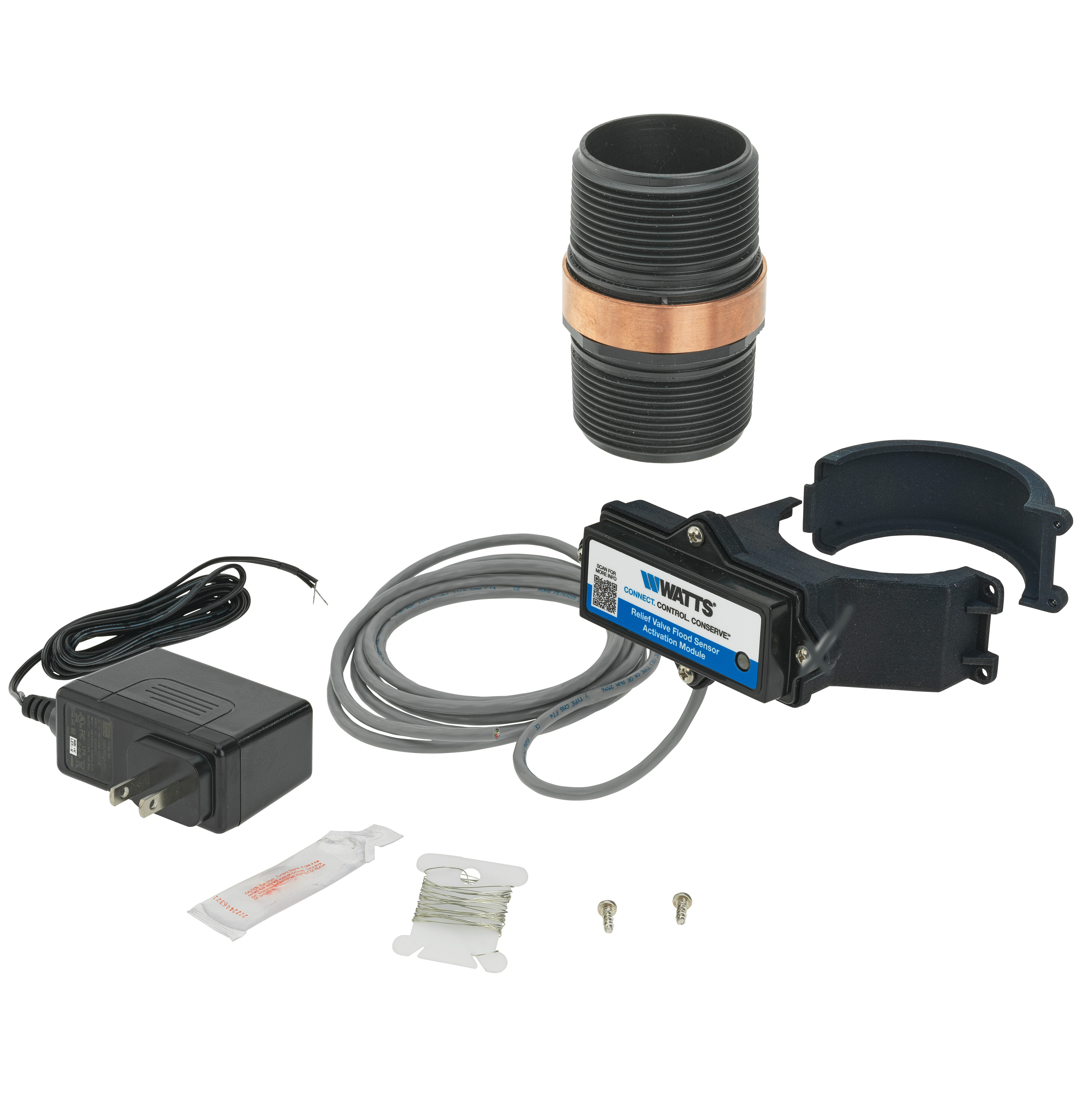
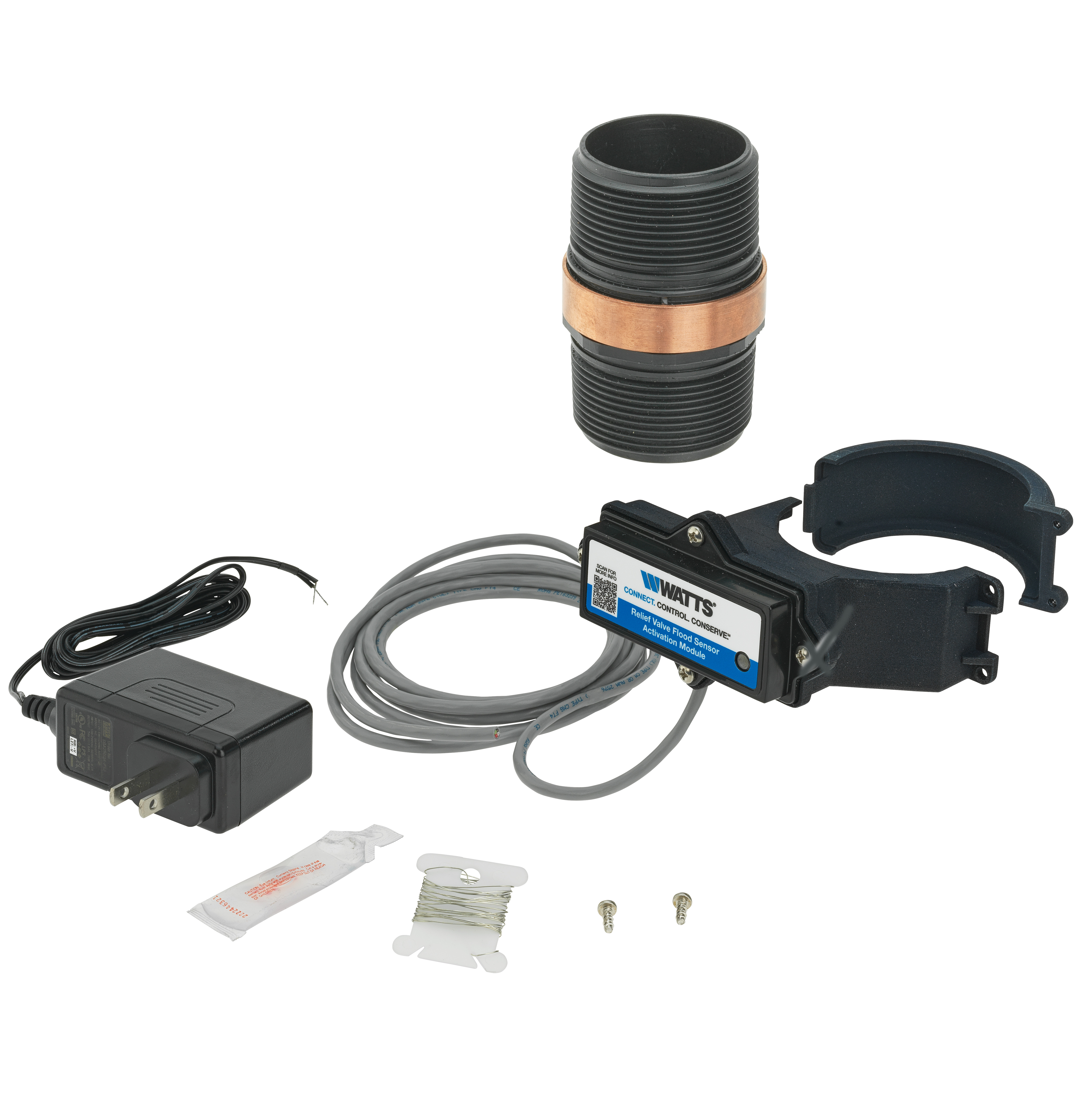
What’s this Thing that Shipped with my Relief Valve?
If your new Watts Relief Valve just arrived, you’re probably wondering about the
sensor that came with it. DON’T THROW IT AWAY! This small piece of technology,
when connected, will provide you with advance warnings of boiler discharge, letting
you address potential problems before they become safety hazards like flooding or
equipment failure.
The sensor remains off and does not transmit data until you’ve activated and
connected it via an add-on Connection Kit (sold separately). The addition of the
sensor to your relief valve does not change its certification, function, or
specification.
Stay Aware of Unexpected, Unsafe Equipment Breakdowns
Choose the Connection Kit that's right for you. Alerts you can count on are just a few easy steps away via a wired connection to your BAS/BMS. Or, a Wi-Fi connection to Nexa, the water management platform from Watts.
Building Management
There’s a Better Way to Solve Boiler and Water Heater Issues
When thermal expansion, or another issue is present, your relief valve can discharge gallons upon gallons of hot water per minute. Unfortunately, you can’t always easily see your relief valve, and if left unchecked, excessive discharge can cause severe damage and pose significant safety risks. Improve your system visibility with real-time discharge alerts, directly from Nexa or your Building Management System.
Code-Compliant, 24/7 Monitoring
Real-time alerts that satisfy IMC code
Prevent Damage
Catch problems before they become
catastrophic loss
Reduce Energy Waste
Avoid the heat and water waste associated with
hot water flooding
Ready to connect? Your new valve arrives with a connection-capable sensor. This sensor is turned on with the
purchase of an add-on Connection Kit. Once you’ve purchased, installed, and activated your Connection Kit,
you’ll receive real-time alerts that keep you ahead of flooding and water damage. Have an older-model valve? Make
it smart with a Connected Retrofit Kit.
How it Works
Install your Relief Valve and sensor, then find your Connection Kit
Purchase and install your Connection Kit to activate your sensor
Enjoy reliable flood monitoring and alerts via Nexa or your BMS
Can I upgrade any existing relief valve with a discharge sensor?
Most relief valves can be retrofitted with a sensor and add-on Connection Kit. Find yours here
Does the relief valve with sensor need a Connection Kit to work?
Yes. To activate your sensor, you’ll need to look up and purchase an add-on Connection Kit here Your sensor will not function without the purchase of an add-on Connection Kit
How do I set up my Nexa account?
To create your Nexa account, click here and press “Sign Up”.
Who do I contact for technical support?
Contact your local rep or Watts Technical Support should you have any questions or require assistance.
Select Your Connection Kit or Retrofit Connection Kit to Activate your Device
Activated through these add-on Connection Kits, the sensor can trigger the alert system sending notification of flood detection to facility personnel.